

Juggling multiple social media accounts is a significant time drain for any small business owner, creator, or marketing manager. Between creating content, scheduling posts, engaging with comments, and tracking performance, the process of manually managing platforms like Facebook, Instagram, X (formerly Twitter), and LinkedIn quickly becomes overwhelming. This constant context-switching kills productivity and makes it nearly impossible to maintain a consistent, effective social media presence. To lay a strong foundation for your marketing efforts, consider reviewing a comprehensive guide on how to advertise a small business, which can help you set clear goals and choose the right channels, including social media.
The right social media management tool solves this problem by centralizing your entire workflow into a single dashboard. Instead of logging in and out of different apps, you can schedule, publish, and analyze content for all your profiles from one place. This not only saves hours each week but also provides the data needed to refine your strategy and drive real business results. Finding the perfect fit, however, can be a challenge. The market is filled with options, each with unique features, pricing structures, and ideal use cases.
This guide cuts through the noise. We’ve compiled and analyzed the best social media management tools for small business, providing an in-depth look at what makes each platform stand out. You’ll find detailed breakdowns of features, honest pros and cons, pricing comparisons, and clear recommendations for specific business types, from solo freelancers to multi-location franchises. Each review includes direct links and screenshots to help you visualize how these tools work in a real-world context, ensuring you can make an informed decision and select the platform that will truly streamline your social media efforts.
1. OneUp
OneUp positions itself as a powerhouse for businesses and agencies managing a high volume of social media accounts, making it a premier choice among the best social media management tools for small business. Its core value proposition is a radical departure from the industry standard: a fixed-price model that offers unlimited social accounts, team members, posts, analytics, and inbox items. This all-inclusive approach provides predictable costs and eliminates the punitive scaling fees that often hinder growth for agencies, franchises, and rapidly expanding businesses.
.
- Team Management: Granular permissions allow you to control which team members can access specific social accounts, ensuring brand security. You can also leverage an internal notes feature on posts for seamless team communication.
- AI-Powered Content Creation: OneUp integrates an AI assistant to generate both text captions and images, and offers a library of over 250,000 royalty-free images to enhance content quality.
Engagement and Analytics
Beyond scheduling, OneUp centralizes community management and performance measurement. The unified Social Inbox consolidates comments, direct messages, and even Google Business Profile reviews into a single feed. This allows for rapid responses without constantly switching between platforms. On the analytics front, you can generate comprehensive cross-network reports, tracking key metrics like engagement, reach, and follower growth, and schedule them for automated delivery to stakeholders.
Best For: Agencies, multi-location businesses, franchises, and any small business planning for significant growth across multiple social channels.
Key Strengths:
- True Unlimited Model: A fixed price for unlimited accounts, users, and posts provides unmatched value and scalability.
- Advanced Post Support: Natively handles complex formats like Reels, Shorts, Stories, carousels, and long-form threads.
- Powerful Automation: Features like post recycling, RSS feed integration, and bulk uploads dramatically reduce manual effort.
- Deep Google Business Profile Integration: Schedules not only regular posts but also Event posts and Offer posts directly to GBP.
Limitations:
- Pricing Transparency: Specific plan pricing is not listed publicly on the main product page; you must engage with the free trial or sales to confirm costs.
- Social Listening: A dedicated social listening feature is still in development and listed as “coming soon.”
To evaluate its full capabilities, you can sign up for a free trial at oneupapp.io.
2. Hootsuite
Hootsuite is one of the most established and comprehensive platforms in the social media management space, earning its spot as a top tool for small businesses that need robust, all-in-one functionality. It centralizes content scheduling, audience engagement, and performance analytics into a single, customizable dashboard. Its defining feature is the “Streams” view, which allows users to monitor multiple feeds, keywords, hashtags, and mentions across networks in real-time, side-by-side. This setup is ideal for businesses that prioritize active social listening and rapid engagement.
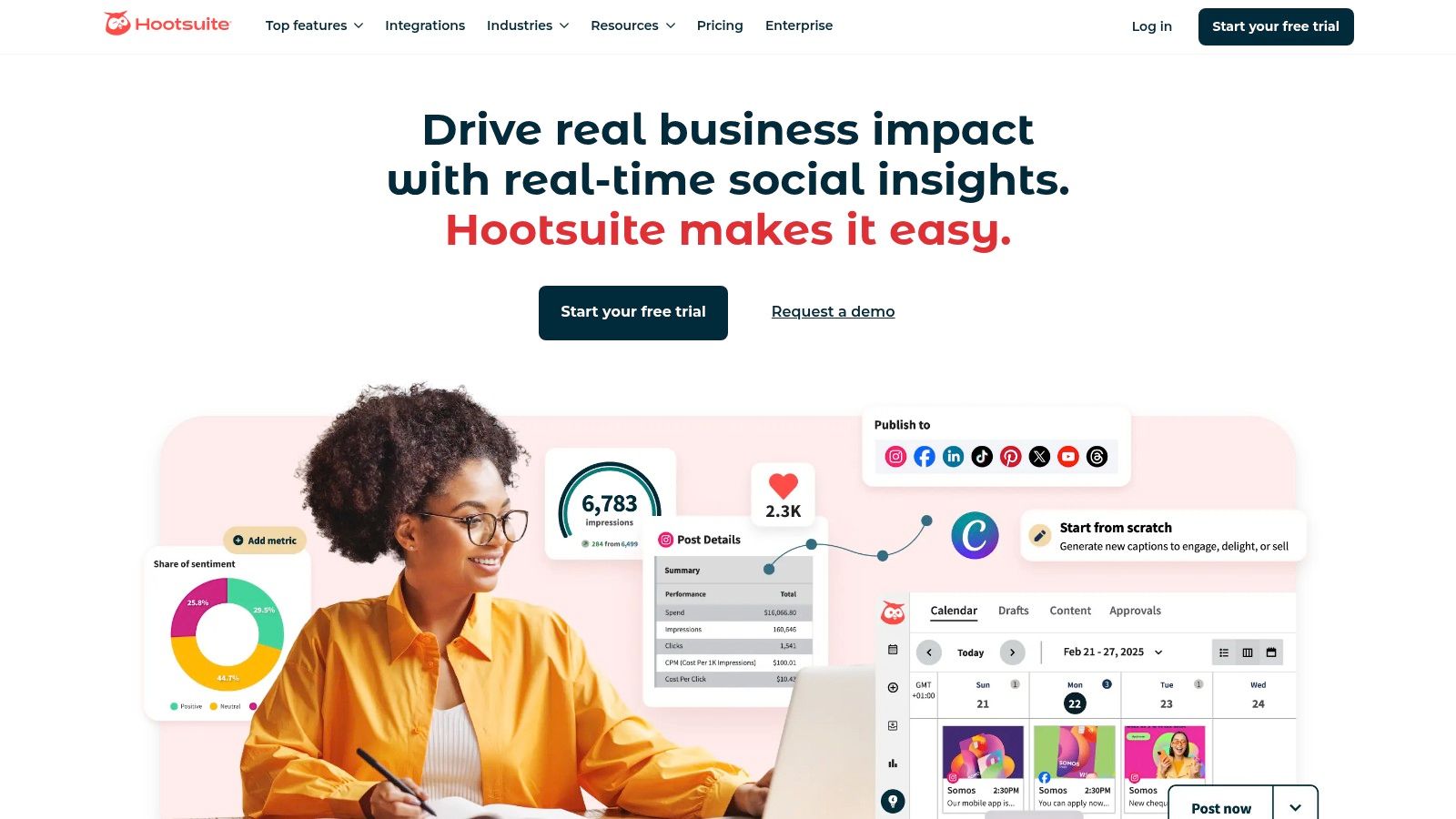
Unlike simpler schedulers, Hootsuite offers deep analytics and competitive benchmarking, providing insights that go beyond basic post metrics. Features like the AI-powered “OwlyWriter” for caption generation and “Best Time to Post” suggestions streamline content creation, while the direct Canva integration allows for seamless design workflows. This makes it one of the best social media management tools for small business teams looking to professionalize their operations without juggling multiple subscriptions.
Key Features & Considerations
Hootsuite is built to scale, accommodating solo entrepreneurs and growing teams with features that support collaboration.
- Best For: Small businesses, agencies, and marketing teams needing a single platform for scheduling, monitoring, and detailed reporting.
- Pricing: Plans start with a Professional tier (often around $99/month for 1 user and 10 social accounts) and scale up to Team and Enterprise levels. A 30-day free trial is typically available.
- Pros: Excellent social listening and stream-based monitoring, robust analytics, and strong team collaboration features with approval workflows.
- Cons: The per-user pricing model can become expensive for larger teams on a tight budget. Its extensive feature set might be more than a micro-business needs.
Website: https://www.hootsuite.com
3. Sprout Social
Sprout Social positions itself as a premium, all-in-one social media management platform designed for businesses that prioritize sophisticated analytics, team collaboration, and a polished user experience. It excels at consolidating publishing, engagement, and reporting into a cohesive and intuitive interface. A standout feature is its Unified Smart Inbox, which gathers all incoming messages, comments, and mentions from every connected profile into a single, actionable feed, making it one of the best social media management tools for small business teams focused on responsive customer service.
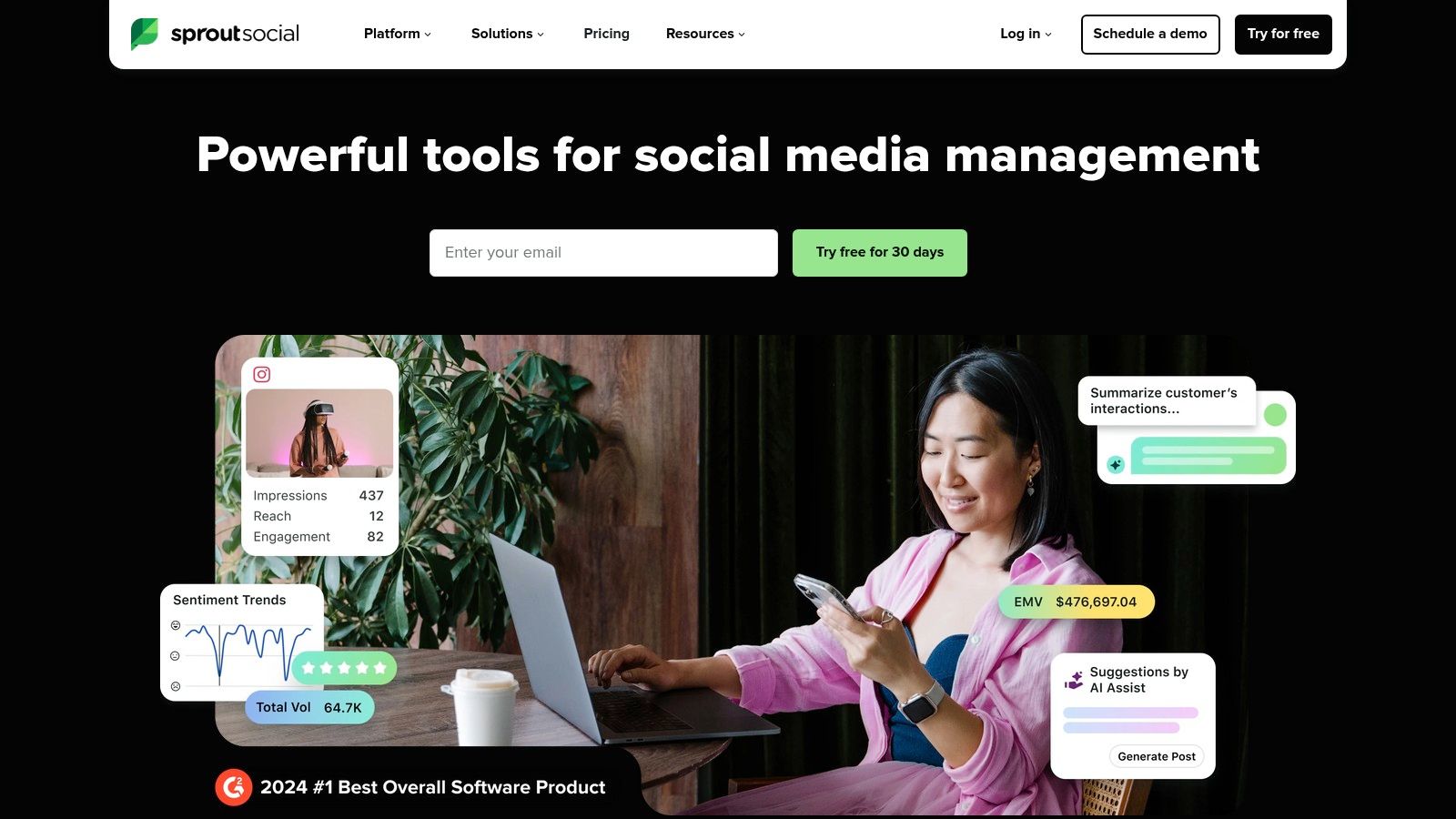
Unlike many competitors, Sprout Social places a strong emphasis on data, offering advanced reporting capabilities that track team performance, competitive analysis, and campaign ROI with impressive detail. Features like “Optimal Send Times” use historical data to suggest the best times to post for maximum engagement, while its AI Assist tools help refine content and speed up replies. This combination of powerful analytics and intelligent automation makes it an ideal solution for growing businesses looking to make data-driven decisions and streamline their social media workflows.
Key Features & Considerations
Sprout Social is engineered for collaboration and performance, providing tools that help teams work more efficiently and prove the value of their social media efforts.
- Best For: Growing small businesses and marketing teams that require detailed reporting, robust engagement tools, and a seamless user interface.
- Pricing: Plans start with a Standard tier (often around $249/month for 1 user) and scale up to Professional and Advanced plans with more features. A 30-day free trial is available without a credit card.
- Pros: Excellent UI and unparalleled reporting depth, a generous 30-day free trial, and industry recognition for product quality and user satisfaction.
- Cons: The per-user pricing model can be a significant investment for very small teams, and some advanced features are locked behind higher-tier plans.
Website: https://sproutsocial.com
4. Buffer
Buffer is a long-standing favorite in the social media management world, known for its clean interface, intuitive workflow, and straightforward approach. It excels at simplifying the core tasks of scheduling, engagement, and reporting, making it an ideal choice for solo founders and small teams who value simplicity and efficiency over an overwhelming feature set. Its primary strength lies in its user-friendly scheduling queue, which allows users to plan and visualize their content calendar with minimal effort.
Unlike more complex platforms, Buffer focuses on doing the essentials exceptionally well. It offers an AI Assistant for generating post ideas and rewriting copy, a hashtag manager for optimizing reach, and a unified inbox for managing community engagement. Features like first-comment scheduling for Instagram and a dedicated landing page builder (“Start Page”) provide significant value. For those seeking one of the best social media management tools for small business without a steep learning curve, Buffer’s transparent and approachable design is a major advantage.
Key Features & Considerations
Buffer’s channel-based pricing model provides flexibility, allowing businesses to pay only for the social profiles they need.
- Best For: Solo entrepreneurs, small businesses, and brands prioritizing a simple, streamlined scheduling and analytics experience.
- Pricing: Offers a generous free plan for up to 3 channels. Paid plans start with the Essentials tier (around $6/month per channel) and include a 14-day free trial.
- Pros: Highly approachable and user-friendly interface, transparent and affordable pricing with a solid free tier, and useful add-ons like the AI Assistant.
- Cons: Analytics and social listening capabilities are less robust compared to enterprise-level tools. Collaboration controls are more basic than some competitors.
Website: https://buffer.com
5. Later
Later has carved out a niche as the go-to platform for visually-focused brands, making it a top contender for small businesses that thrive on Instagram, TikTok, and Pinterest. Its core strength lies in its intuitive, drag-and-drop visual content calendar, which allows users to plan their feed’s aesthetic with precision. This visual-first approach simplifies content planning and ensures brand consistency, a critical factor for businesses in e-commerce, lifestyle, and creative industries. The platform centralizes content scheduling, analytics, and a link-in-bio tool into one clean interface.
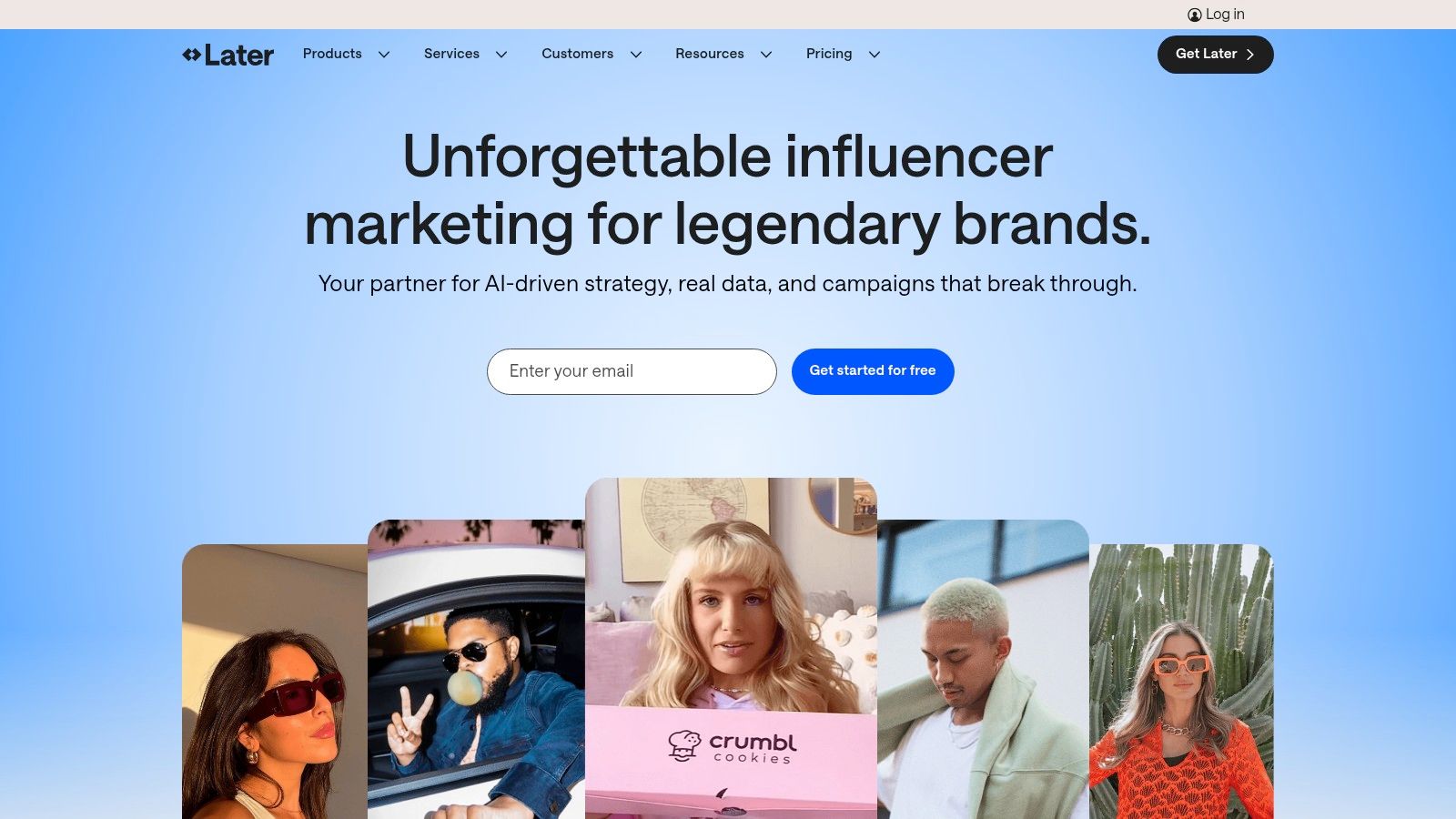
Beyond simple scheduling, Later provides actionable insights like “Best Time to Post” suggestions and hashtag analytics to maximize reach. Its Link in Bio feature is a powerful, integrated tool for driving traffic and sales directly from social profiles, and the platform also supports user-generated content (UGC) collection. For businesses looking to enhance their creative workflow, Later’s tools for caption creation are a significant benefit; you can find more resources with an Instagram caption generator to further streamline this process. This makes it one of the best social media management tools for small business owners who prioritize visual storytelling and direct ROI from their social efforts.
Key Features & Considerations
Later is designed for visual planning and team collaboration, making it ideal for creator-led brands and small marketing teams.
- Best For: E-commerce brands, creators, and businesses heavily focused on Instagram, TikTok, and Pinterest marketing.
- Pricing: Offers a free plan for basic scheduling. Paid plans start with a Starter tier (around $25/month for 1 user and 1 social set) and scale to Growth and Advanced tiers with more features. A 14-day free trial is available.
- Pros: Excellent visual content calendar, strong workflows for Instagram and TikTok, and an integrated, highly customizable Link in Bio tool.
- Cons: Advanced analytics and competitive benchmarking are restricted to higher-priced plans. Add-ons for extra users or social sets can increase the overall cost.
Website: https://later.com
6. SocialPilot
SocialPilot stands out as a powerful and budget-friendly social media management tool, making it a top choice for small businesses and marketing agencies that need to manage a high volume of accounts without a high price tag. It provides a clean, user-centric platform for scheduling content, analyzing performance, and collaborating with teams or clients. Its key differentiator is its cost-effective pricing structure, which offers generous limits on social accounts and users even at lower tiers.
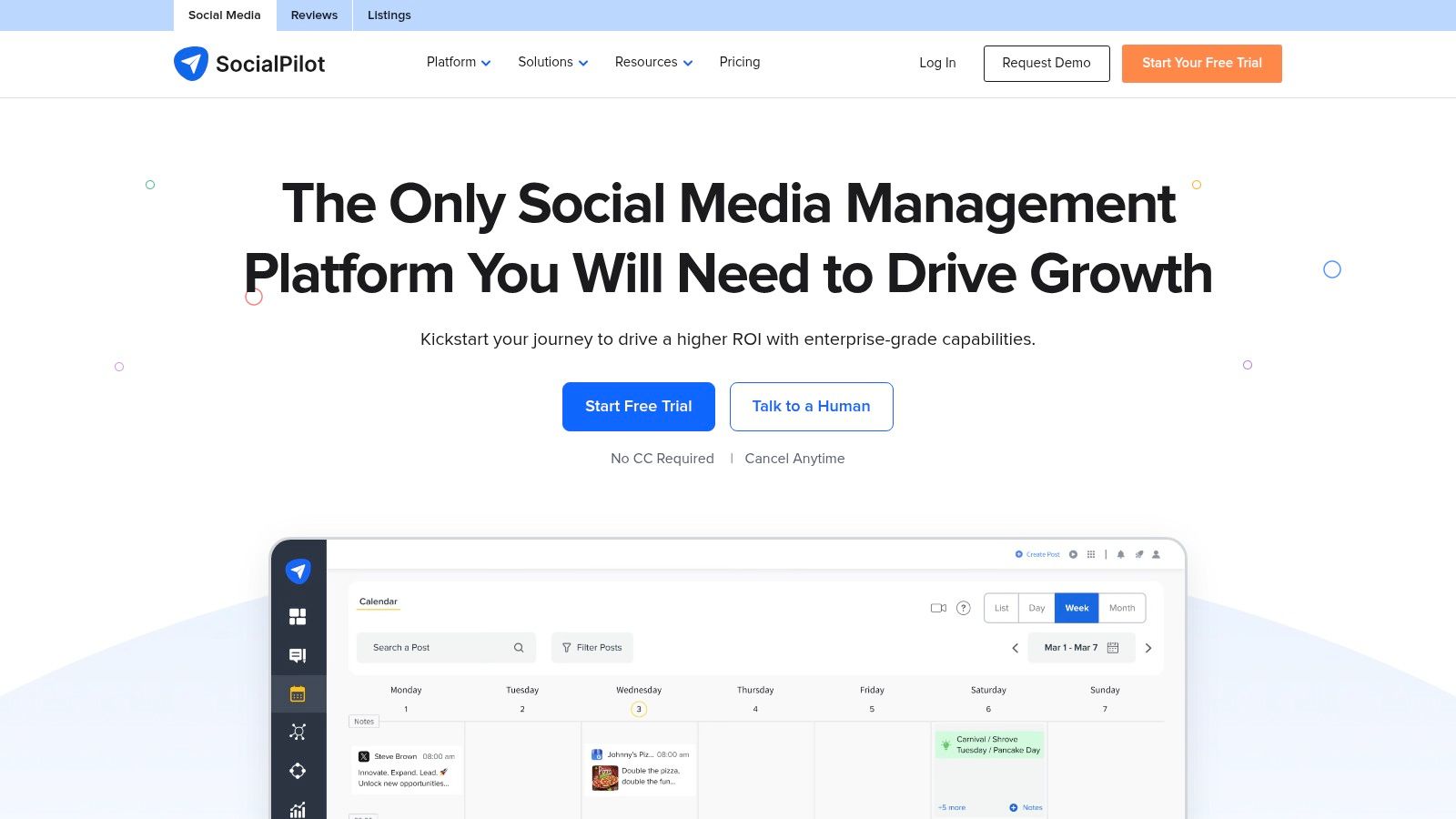
Unlike tools that charge steeply per user, SocialPilot is designed for scalability, allowing teams to grow without exponential cost increases. Core functionalities include bulk scheduling for efficient content planning, a unified social inbox to manage conversations, and a content library for evergreen posts. For agencies, the white-label reporting and client management features on higher plans are particularly valuable. This focus on affordability and essential features makes it one of the best social media management tools for small business owners who need robust functionality without overspending.
Key Features & Considerations
SocialPilot is built to deliver comprehensive features at a competitive price point, prioritizing functionality over flair.
- Best For: Marketing agencies, SMBs, and teams managing a large number of social profiles on a budget.
- Pricing: Plans start with the Professional tier (around $30/month for 1 user and 10 social accounts) and scale up to Agency and Agency+ plans. A 14-day free trial is available.
- Pros: Aggressive pricing per social account and user, excellent for scaling. White-label reports and client collaboration tools are great for agencies.
- Cons: The user interface is more practical than polished compared to some competitors. Certain advanced features are reserved for higher-tier plans.
Website: https://www.socialpilot.co
7. Sendible
Sendible is a powerful, agency-focused social media management platform that offers a comprehensive suite of tools specifically designed for managing multiple client accounts or brands. It centralizes scheduling, engagement, reporting, and client management into a unified dashboard, making it an excellent choice for lean marketing teams and small agencies. Its standout feature is the “Priority Inbox,” which aggregates all social media messages, mentions, and comments into a single stream, allowing for efficient, team-based engagement without switching between accounts.
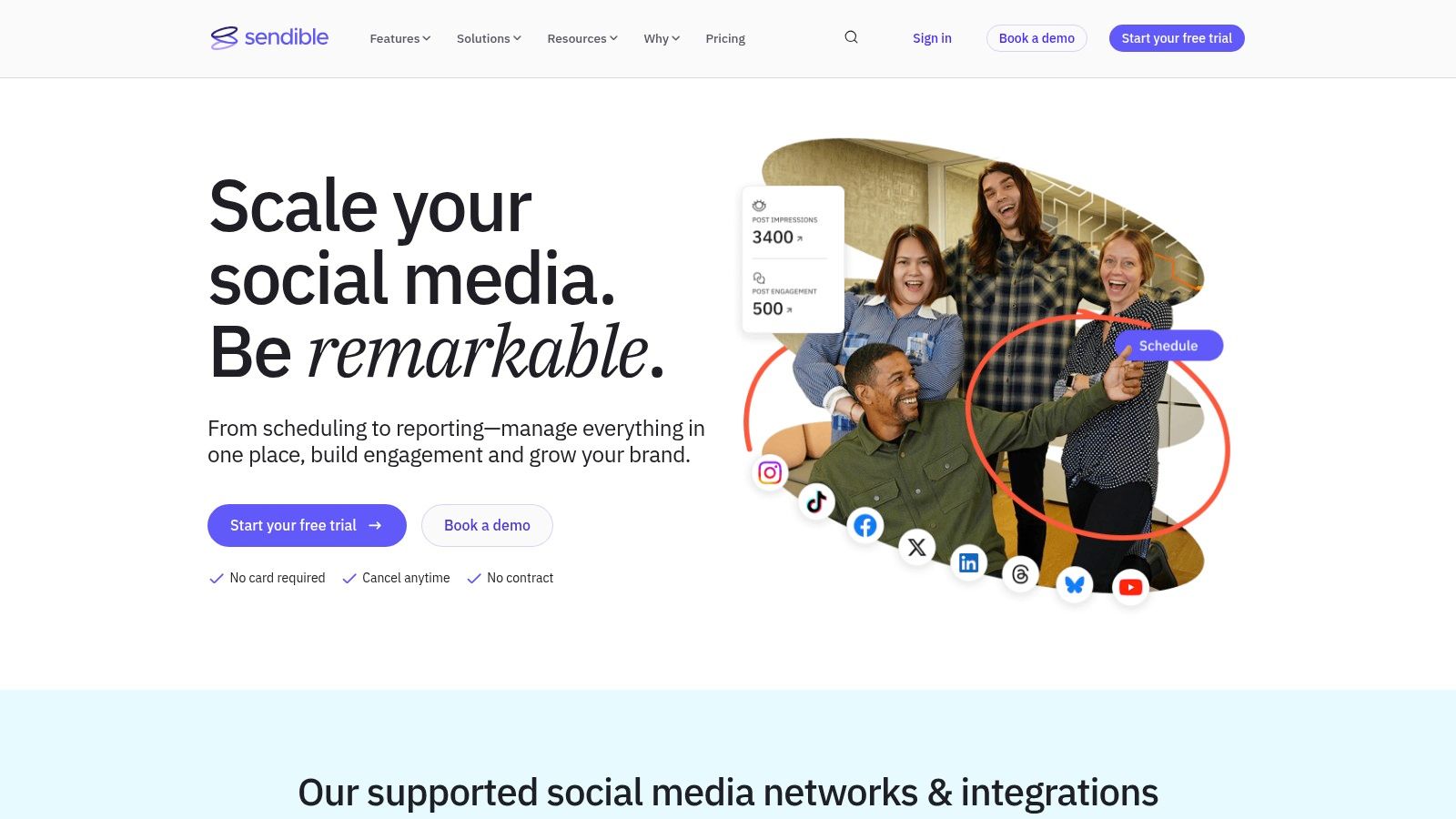
Unlike many competitors, Sendible bundles its most valuable features, like a content suggestion engine, Canva integration, and custom reporting, into its entry-level plans. It also provides robust collaboration tools, such as content approval workflows and team task assignments, which streamline client communication and internal processes. This makes Sendible one of the best social media management tools for small business owners who are scaling their services and need a platform that can grow with them without forcing them into expensive enterprise-level tiers for core functionality.
Key Features & Considerations
Sendible is built to help agencies and businesses deliver consistent, high-quality results for multiple brands from one central location.
- Best For: Small agencies, freelance social media managers, and businesses that manage social media for multiple brands or clients.
- Pricing: Plans start with a Creator tier (around $29/month for 1 user and 6 social profiles) and scale to Traction, Scale, and Expansion tiers with more users and features. A 14-day free trial is available.
- Pros: Excellent client and team management workflows, a unified “Priority Inbox” for streamlined engagement, and comprehensive reporting features available on all plans.
- Cons: Live support is primarily aligned with U.K. business hours, which can be a drawback for users in other time zones. Advanced white-labeling for client reports requires higher-tier plans or add-ons.
Website: https://www.sendible.com
8. Zoho Social
Zoho Social is a powerful and cost-effective contender, particularly for businesses already integrated into the Zoho software ecosystem. It provides a comprehensive suite that covers scheduling, monitoring, and detailed analytics without the premium price tag of some competitors. Its key differentiator is its seamless integration with other Zoho products, like Zoho CRM and Zoho Desk, allowing teams to link social media activity directly to customer sales and support tickets. This creates a unified view of the customer journey, making it one of the best social media management tools for small business owners who prioritize lead generation and customer service.
Unlike many rivals, Zoho Social offers early support for emerging networks like Threads, Mastodon, and Bluesky, positioning it as a forward-thinking choice for brands keen on exploring new platforms. The platform’s SmartQ and CustomQ features optimize post timing for maximum engagement, while its bulk scheduler and content approval workflows streamline team collaboration. It successfully bridges the gap between affordability and advanced functionality, offering a scalable solution that grows with a business.
Key Features & Considerations
Zoho Social is designed for businesses that want deep operational integration alongside their social media efforts.
- Best For: Small to medium-sized businesses, especially those already using the Zoho suite, who need an affordable, all-in-one tool with strong CRM and reporting capabilities.
- Pricing: Offers a generous forever-free plan for one user. Paid plans start at a very competitive price point (often around $10/month billed annually) and scale up. A free trial is available for paid tiers.
- Pros: Excellent value for money with a robust feature set. Strong integrations with Zoho CRM and Desk create a unified business dashboard. Broad channel coverage including newer networks.
- Cons: The user interface can feel dense and less intuitive for first-time users compared to simpler tools. Pricing can be confusing as it is often displayed by region until a user logs in.
Website: https://www.zoho.com/social
9. Loomly
Loomly shines as a brand success platform designed for marketing teams that prioritize collaboration, planning, and clear approval workflows. It moves beyond simple scheduling with a highly visual, calendar-driven interface that helps teams see their entire content strategy at a glance. Its standout feature is the structured content creation process, which guides users from setting post objectives and defining audiences to crafting copy and getting feedback, ensuring every post is strategic and on-brand. This makes it a great fit for small businesses that need to maintain consistency across multiple contributors.
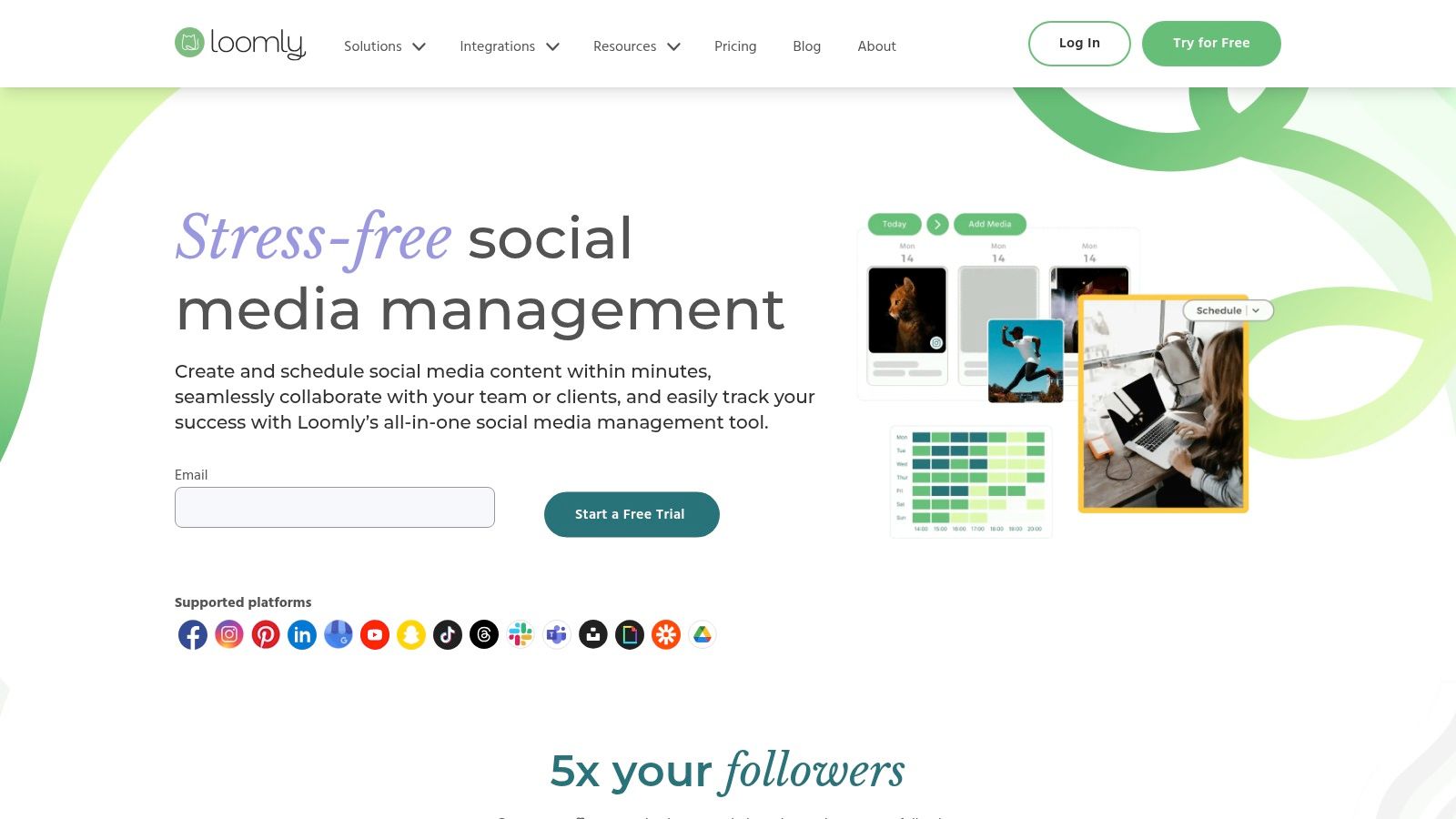
Where Loomly excels is in its team-centric features. It provides post ideas based on trending topics, RSS feeds, and social media best practices, while the built-in asset library keeps all creative files organized and accessible. Unlike some competitors, Loomly’s mock-up generator shows exactly how a post will look on each platform before it goes live, preventing formatting surprises. For teams looking to streamline their content pipeline from idea to publication, Loomly is one of the best social media management tools for small business collaboration.
Key Features & Considerations
Loomly is built to foster a seamless workflow, making it ideal for teams where multiple people touch a piece of content before it’s published.
- Best For: Small to medium-sized marketing teams, agencies, and businesses that require a structured approval and content planning process.
- Pricing: Plans start with a Base tier (often around $42/month for 2 users and 10 social accounts) and scale up to Standard, Advanced, and Premium. A 15-day free trial is available, and they offer a generous 50% lifetime discount for nonprofits.
- Pros: Excellent team collaboration and multi-step approval workflows, a clean and intuitive visual calendar, and helpful post ideas and optimization tips.
- Cons: Lacks advanced social listening and monitoring features found in more comprehensive tools. The pricing can be less transparent without creating an account first.
Website: https://www.loomly.com
10. Metricool
Metricool stands out by bundling planning, analytics, and competitor analysis into an exceptionally affordable package, making it a powerful contender for freelancers and small businesses. It offers a comprehensive view of your digital presence, extending beyond standard social media metrics to include data from your website and ad campaigns. Its key differentiator is the robust competitor tracking, which allows users to monitor rivals’ performance on platforms like Instagram, Facebook, and Twitch, providing valuable strategic insights. This feature alone makes it one of the best social media management tools for small business owners operating in competitive markets.
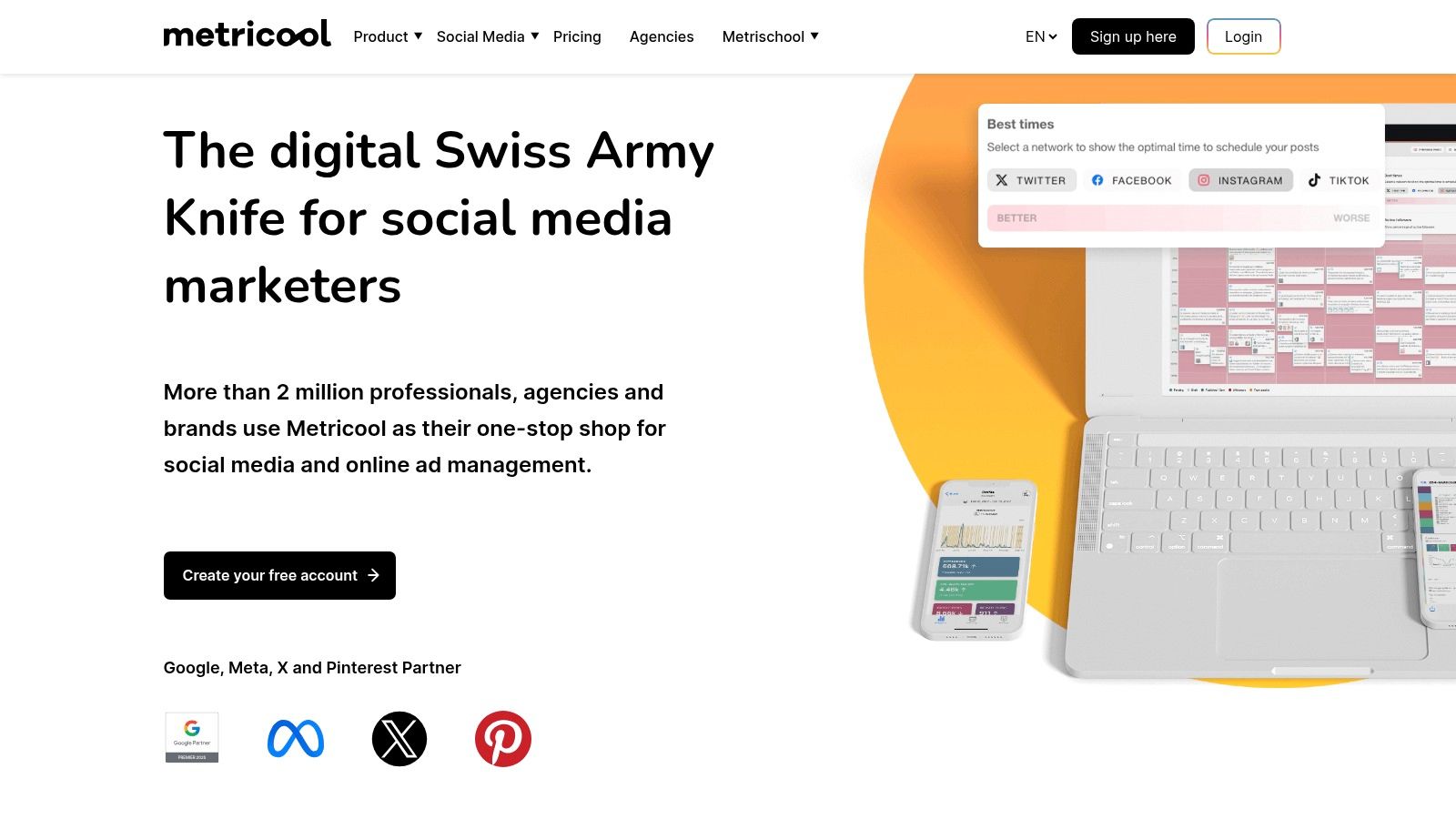
The platform supports unlimited post scheduling on its paid plans, complemented by an AI assistant for content generation and direct integrations with Canva and Google Drive. Metricool simplifies reporting by offering downloadable PDF and PPT reports and a Looker Studio connector on advanced plans, which is a feature often reserved for much more expensive tools. This combination of powerful analytics and efficient content management at a budget-friendly price point secures its place as a top choice for those needing deep insights without a hefty investment.
Key Features & Considerations
Metricool is designed for data-driven marketers who need a unified view of their entire digital ecosystem, not just social media.
- Best For: Freelancers, small businesses, and agencies needing in-depth analytics and competitor tracking on a budget.
- Pricing: A generous free plan is available. Paid plans start at very competitive prices, often around $22/month for 1 brand (up to 10 profiles), scaling up with more brands and features.
- Pros: Excellent value for the price, strong competitor analysis tools, and comprehensive reporting features that include ad platforms.
- Cons: The interface can feel complex as you unlock more advanced features. Connecting X/Twitter accounts may require a small paid add-on.
Website: https://metricool.com
11. Meta Business Suite
For small businesses heavily invested in the Facebook and Instagram ecosystem, Meta Business Suite is the official, free-to-use command center. It eliminates the need for a third-party tool if your social strategy is exclusively focused on Meta’s platforms, centralizing content scheduling, audience engagement, and performance analytics into a single, native dashboard. Its primary strength lies in its seamless integration, allowing users to manage Facebook Pages and Instagram accounts in tandem without API limitations.
The platform consolidates comments and DMs from both Facebook and Instagram into one unified inbox, making community management more efficient. It offers the ability to schedule posts, Stories, and Reels, and provides basic but useful insights into reach, engagement, and audience growth. For businesses that also run ads, the suite integrates directly with Ads Manager, creating a cohesive workflow. While it lacks multi-network support, it remains one of the best social media management tools for small business owners starting out or those with a Meta-centric marketing approach.
Key Features & Considerations
Meta Business Suite is designed to be the foundational management tool for businesses operating within Meta’s ecosystem.
- Best For: Solopreneurs, micro-businesses, and brands whose primary social media presence is on Facebook and Instagram.
- Pricing: Completely free to use for anyone with a Facebook Business Page.
- Pros: Free and perfectly integrated with Meta platforms, unified inbox simplifies engagement, and provides a good baseline for scheduling and analytics without a subscription.
- Cons: Limited to Facebook and Instagram only, reporting is less advanced than paid tools, and collaboration features are basic.
Website: https://www.facebook.com/business/tools/meta-business-suite
12. Hubspot
HubSpot is a powerful all-in-one marketing platform that includes robust social media management tools as part of its Marketing Hub. It’s especially well-suited for businesses that want to connect their social media efforts directly to leads, customers, and revenue.
Unlike standalone social media schedulers, HubSpot focuses heavily on tying social activity into your broader marketing funnel. You can schedule posts, monitor interactions, and analyze performance across platforms like Facebook, Instagram, X (Twitter), and LinkedIn—all while syncing that data with your CRM.
One of HubSpot’s biggest strengths is its ability to show the business impact of your social media efforts. Instead of just tracking likes and engagement, it helps you understand how social content contributes to website traffic, lead generation, and sales.
Key features include:
- Social media scheduling and publishing
- Monitoring mentions and conversations
- Built-in analytics tied to CRM data
- Campaign tracking across multiple channels
- Integration with email marketing, landing pages, and automation tools
That said, HubSpot is generally more expensive than most dedicated social media tools, and its full value is best realized if you’re already using (or planning to use) its broader marketing suite.
Best for: Businesses that want to connect social media with CRM, sales, and marketing automation in one unified platform.
Website: www.hubspot.com
Top 12 Small-Business Social Media Management Tools Comparison
| Platform | ✨ Core features | ★ UX / Rating | 💰 Pricing / Value | 👥 Target audience | 🏆 Unique selling point |
|---|---|---|---|---|---|
| OneUp 🏆 | ✨ Unlimited accounts/posts/analytics/inbox/team; multi-network publishing; Reels, carousels, Stories; AI caption & image; bulk upload | ★★★★☆ (4.8/5 Capterra) | 💰 Fixed‑price unlimited; free trial & refund policy | 👥 Agencies, SMBs, creators, franchises, freelancers | 🏆 ✨ True unlimited model + unified inbox, recycling & strong workflows |
| Hootsuite | ✨ Unified inbox & streams, monitoring/listening, analytics, Canva integration | ★★★★☆ | 💰 Per-user pricing; can be costly at scale | 👥 Mid-large teams needing deep listening | ✨ Robust monitoring & pro-level reporting |
| Sprout Social | ✨ Smart scheduling, advanced reporting, listening, review management | ★★★★☆ | 💰 Premium per-seat pricing | 👥 Growing SMBs and teams needing detailed reports | ✨ Awarded UI/reporting depth and enterprise workflows |
| Buffer | ✨ Simple scheduling, AI assistant, hashtag manager, first-comment scheduling | ★★★☆ | 💰 Channel-based pricing; free tier available | 👥 Solo founders & small teams | ✨ Clean UI & transparent, approachable pricing |
| Later | ✨ Visual calendar, Smart Scheduling, Link in Bio, UGC collection | ★★★☆ | 💰 Tiered plans; add-ons for extra users/credits | 👥 Creators & Instagram/TikTok-first brands | ✨ Visual-first planning + influencer workflows |
| SocialPilot | ✨ Scheduling, bulk uploads, content library, white‑label reports | ★★★☆ | 💰 Aggressive per-account/user pricing; annual discounts | 👥 Budget-conscious SMBs & agencies | ✨ Cost-efficient scaling + white-label options |
| Sendible | ✨ Priority inbox, bulk import, queues, UTM tracking, custom reports | ★★★☆ | 💰 Tiered plans; account manager on higher tiers | 👥 Small agencies & client-facing teams | ✨ Client management and onboarding support |
| Zoho Social | ✨ Multi-network publishing, SmartQ scheduling, CRM integrations | ★★★☆ | 💰 Cost-effective; free/forever tier (limited) | 👥 Zoho ecosystem users & SMBs | ✨ CRM integration + broad channel coverage |
| Loomly | ✨ Visual content calendar, asset library, multi-step approvals | ★★★☆ | 💰 Monthly/annual billing; nonprofit discounts | 👥 Small marketing teams needing visual planning | ✨ Clear calendar UX & approval workflows |
| Metricool | ✨ Scheduling, competitor tracking, ads integrations, reports | ★★★☆ | 💰 Competitive USD pricing; free plan available | 👥 Freelancers & small businesses tracking competitors | ✨ Strong competitor analytics & report exports |
| Meta Business Suite | ✨ Native FB/IG scheduling, inbox, basic insights, ads integration | ★★☆☆ | 💰 Free (Meta-only) | 👥 Businesses focused primarily on Facebook & Instagram | ✨ Native, no-cost integration for Meta channels |
| Hubspot | Social media scheduling and CRM | ★★★★☆ | 💰 Free and paid tiers | 👥 Businesses focused on social media | ✨ Social media + CRM |
Streamline Your Social Media and Reclaim Your Time
Navigating the crowded landscape of social media management tools can feel overwhelming, but making the right choice is a pivotal step toward scaling your digital presence efficiently. We’ve explored a dozen powerful platforms, from enterprise-level giants like Sprout Social and Hootsuite to focused, budget-friendly options like Buffer and Later. Each tool offers a unique blend of features designed to solve specific problems for small businesses, agencies, and solo entrepreneurs alike.
The central theme is clear: manual social media management is no longer a sustainable strategy for growth. The time you spend manually posting, tracking analytics, and engaging with your audience is time you could be investing in strategy, customer relationships, and other core business functions. A dedicated tool isn’t a luxury; it’s a foundational part of a modern marketing technology stack.
Key Takeaways and Your Next Steps
Before you commit to a subscription, it’s crucial to distill your needs down to the essentials. Don’t be swayed by a long list of features you’ll never use. Instead, focus on the core functionalities that will have the biggest impact on your daily workflow.
Your journey to finding the best social media management tool for your small business should start with a self-assessment.
- Define Your Core Needs: Are you primarily focused on visual content for Instagram and TikTok? A tool like Later might be a perfect fit. Do you need robust reporting and team collaboration features? Sprout Social or Sendible could be the answer.
- Evaluate Your Budget: Determine a realistic monthly or annual budget. Free tools like Meta Business Suite are great starting points, but their limitations become apparent quickly. Paid tools offer significant ROI through time savings and advanced capabilities.
- Prioritize Your Platforms: List the social networks that are most important to your brand. Ensure any tool you consider offers deep integration with those key platforms, not just surface-level posting. For instance, if Google Business Profiles are a cornerstone of your local SEO strategy, a tool like OneUp that offers direct scheduling and updates for GBP is non-negotiable.
- Use Free Trials: This is the most critical step. Spend a week or two actively using your top 2-3 choices. Connect your accounts, schedule a week’s worth of content, and explore the analytics. This hands-on experience will reveal more than any feature comparison chart ever could.
Making the Final Decision
As you test these platforms, consider the practical aspects of implementation. How intuitive is the user interface? A powerful tool is useless if your team finds it too complex to navigate. How much time will it take to migrate your existing content and workflows?
Think about your future needs as well. A tool that serves you perfectly as a solo operator might not have the team management or approval workflow features you’ll need in a year. Choose a platform that can grow with you. For many small businesses, the ideal solution offers a balance of powerful, unique features without the enterprise price tag. Look for tools that innovate, like OneUp‘s ability to automatically post from RSS feeds, schedule threaded tweets, and repost evergreen content on a recurring basis. These specific, high-impact features are what truly save time and drive results.
Ultimately, the goal is to transform social media from a time-consuming chore into a streamlined, strategic, and measurable part of your business. By carefully selecting the right tool, you empower yourself to reclaim valuable hours, focus on high-level strategy, and build a stronger, more engaged online community.
Ready to stop juggling tabs and start building a powerful, automated social media presence? OneUp is designed specifically for small businesses that need maximum impact with minimum effort, offering unique features like Google Business Profile post scheduling and automated evergreen content recycling. Try OneUp for free and see how much time you can save.